 StreamJuice
 Desktop · Windows beta
Run giveaways right from your stream.
Let viewers enter from chat, pick a winner with a custom wheel or raffle bowl, and show the draw in OBS. StreamJuice Desktop supports Twitch, YouTube Live, Kick, and TikTok LIVE through TikFinity.
Used StreamJuice on the web? The wheel you know now runs in a standalone Windows app. We’re planning a one-time purchase for the public release.
THE DESKTOP APP
See StreamJuice in action.
Use the desktop shortcuts below to explore the wheel, chat settings, OBS alerts, and winner history.
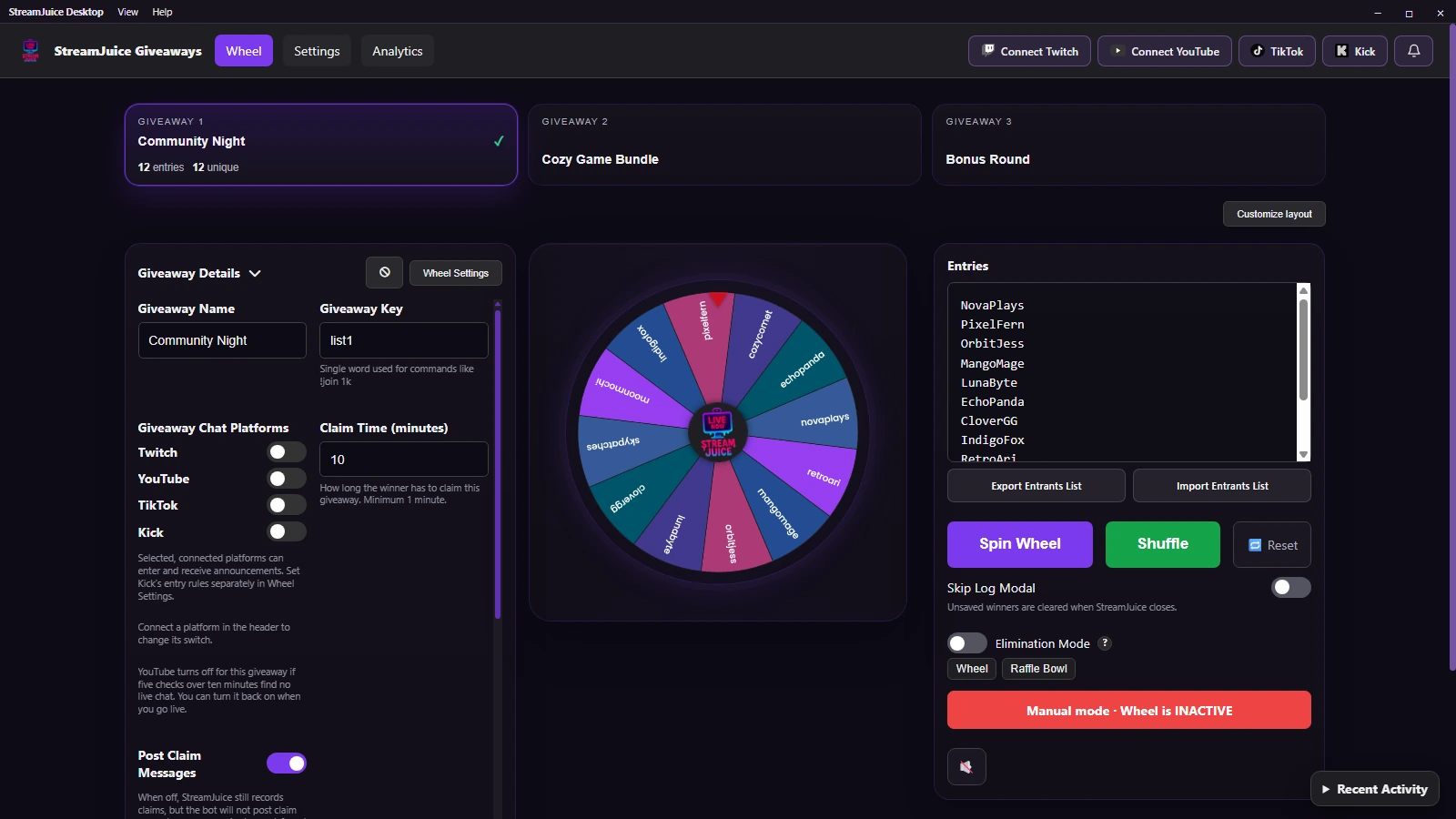
Giveaway Wheel
Run multiple giveaways from one dashboard and arrange the wheel, entries, and controls to fit your setup.
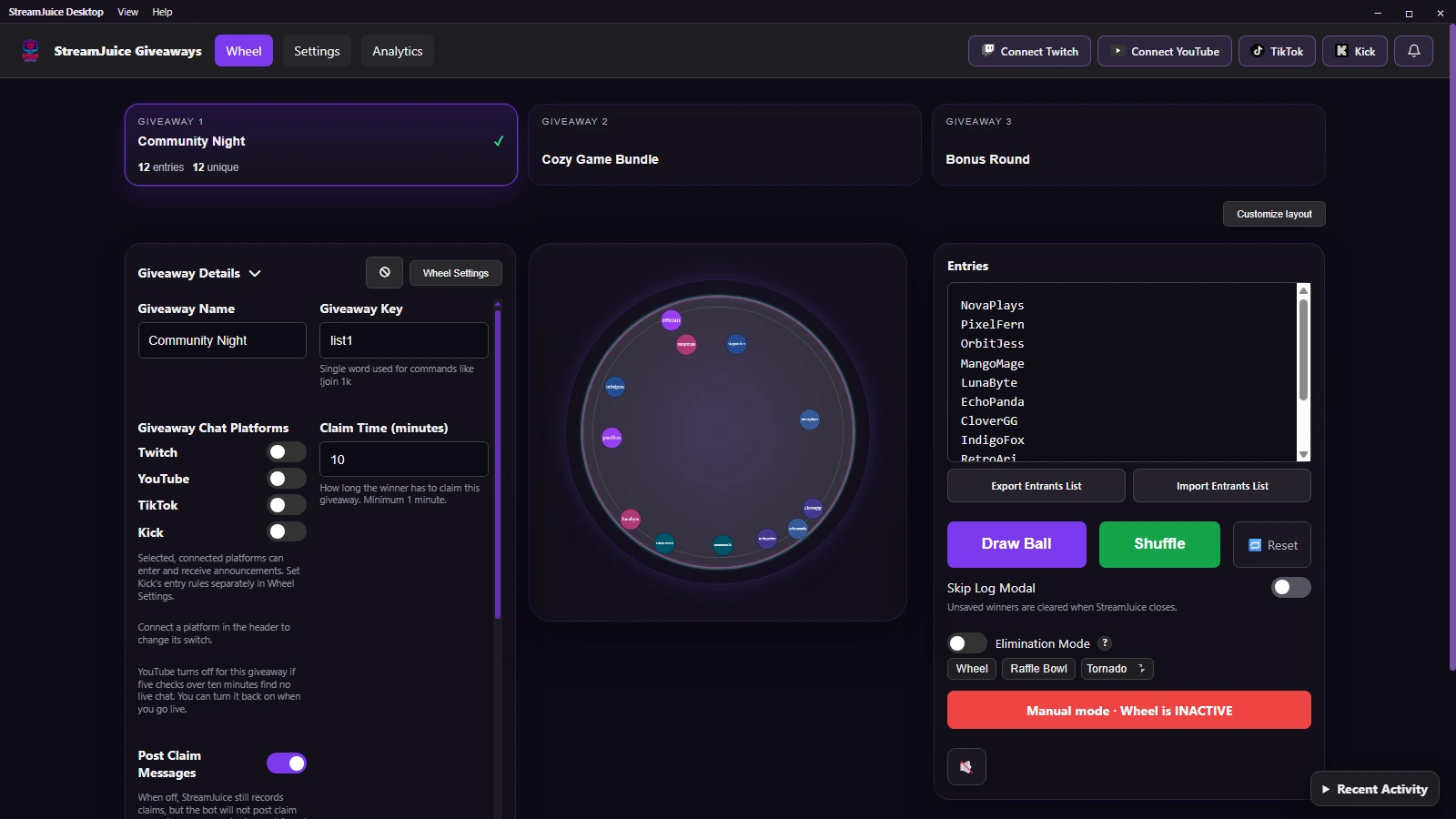
Raffle Bowl
Switch to a raffle bowl for a different kind of draw. Each ball shows the name of an entrant.
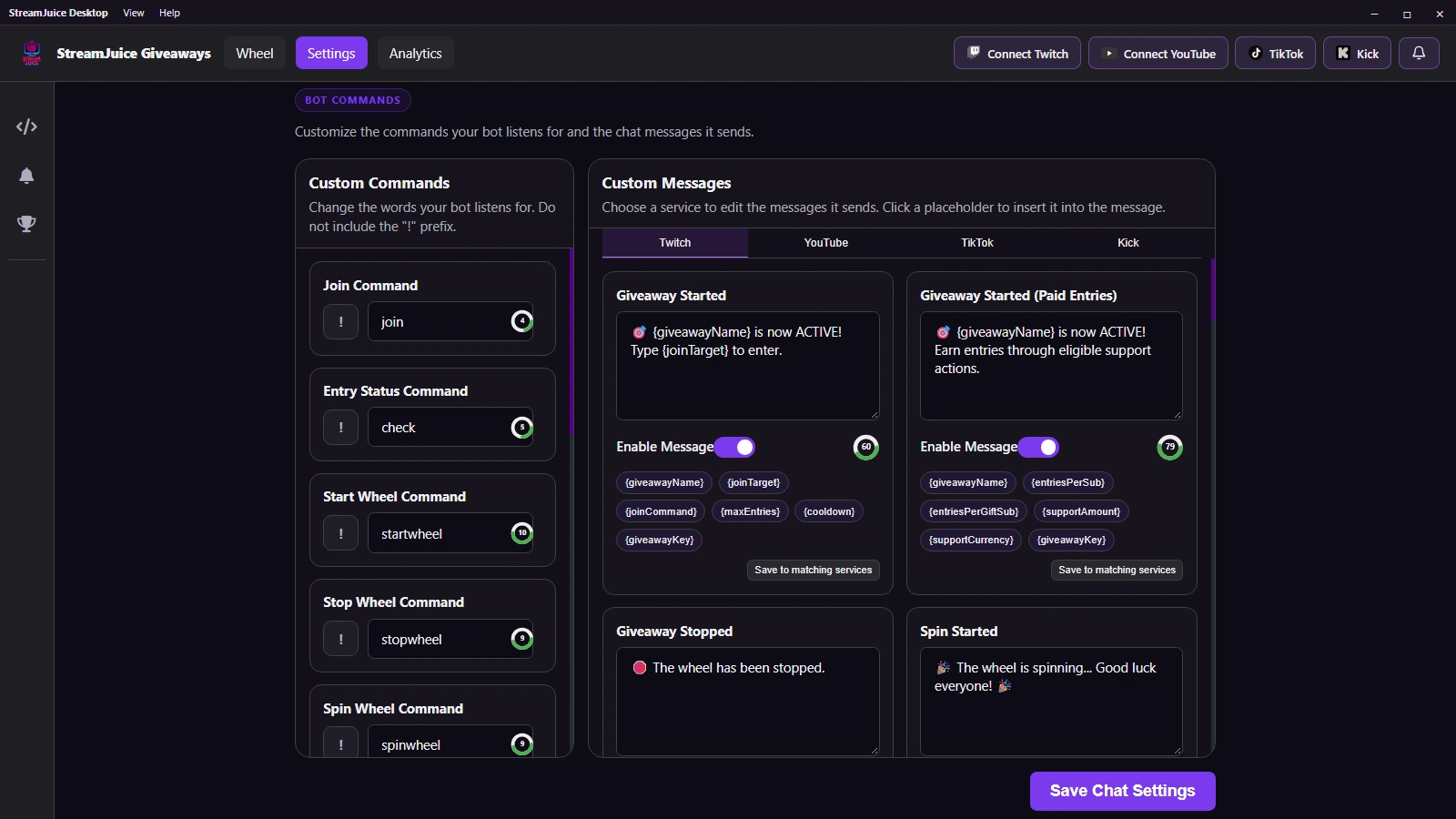
Chat Settings
Pick the commands viewers type and tailor the messages StreamJuice sends on each platform.
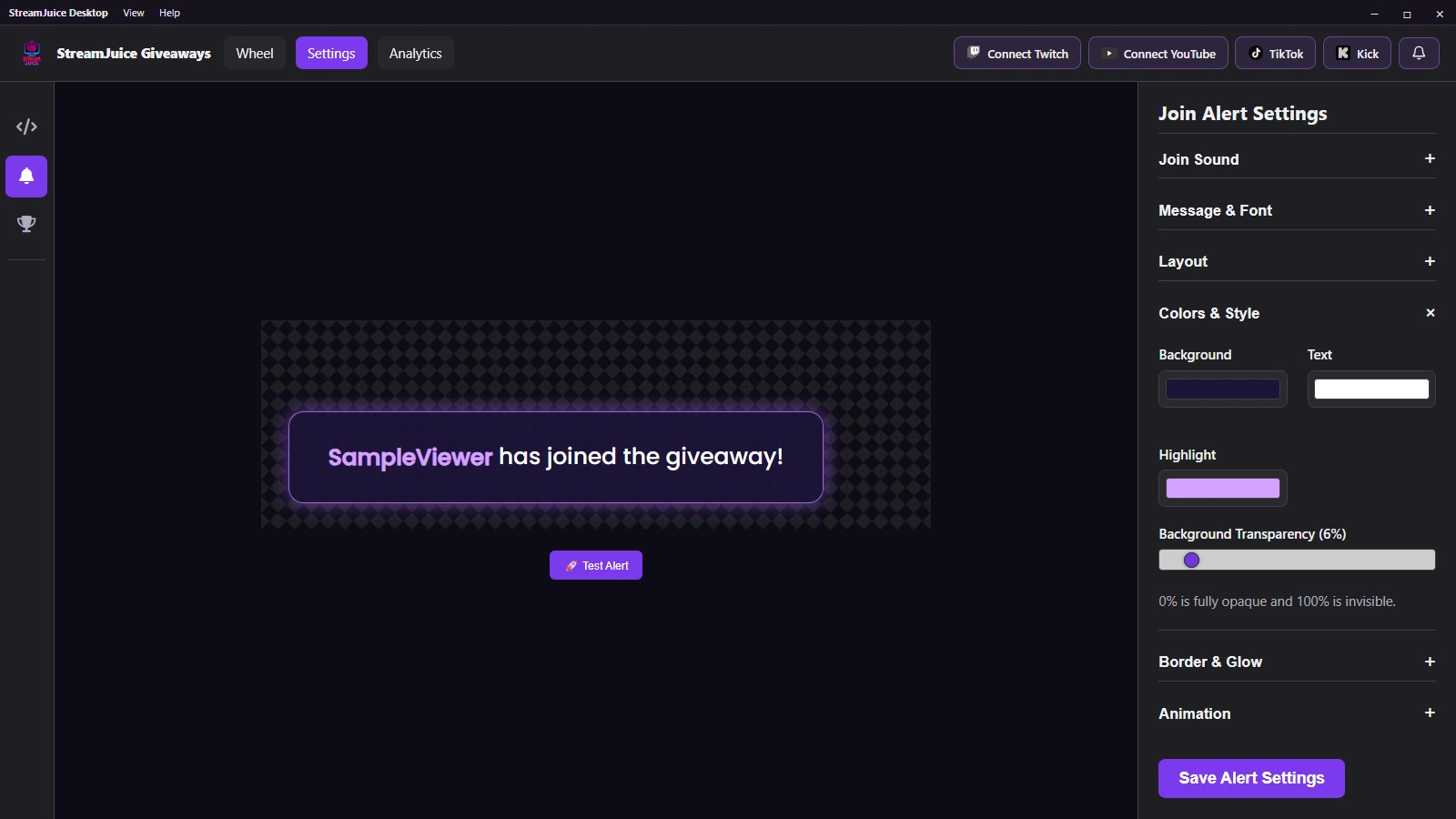
Join Alerts
Let viewers see when they’re entered. Preview your alert and customize its layout, colors, and sound for OBS.
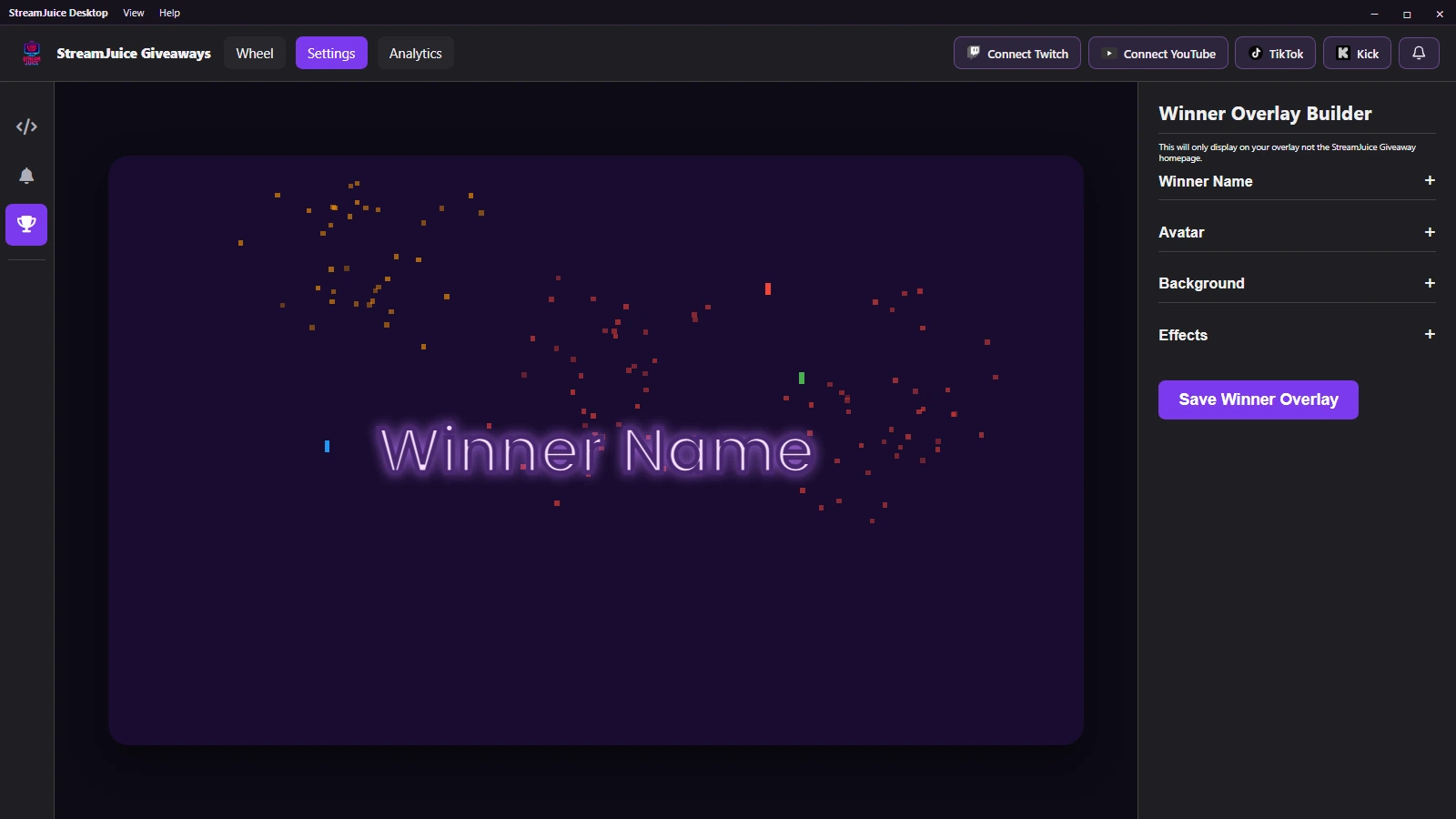
Winner Overlay
Give the winner a moment on stream with a custom name style, background, and celebration effect.
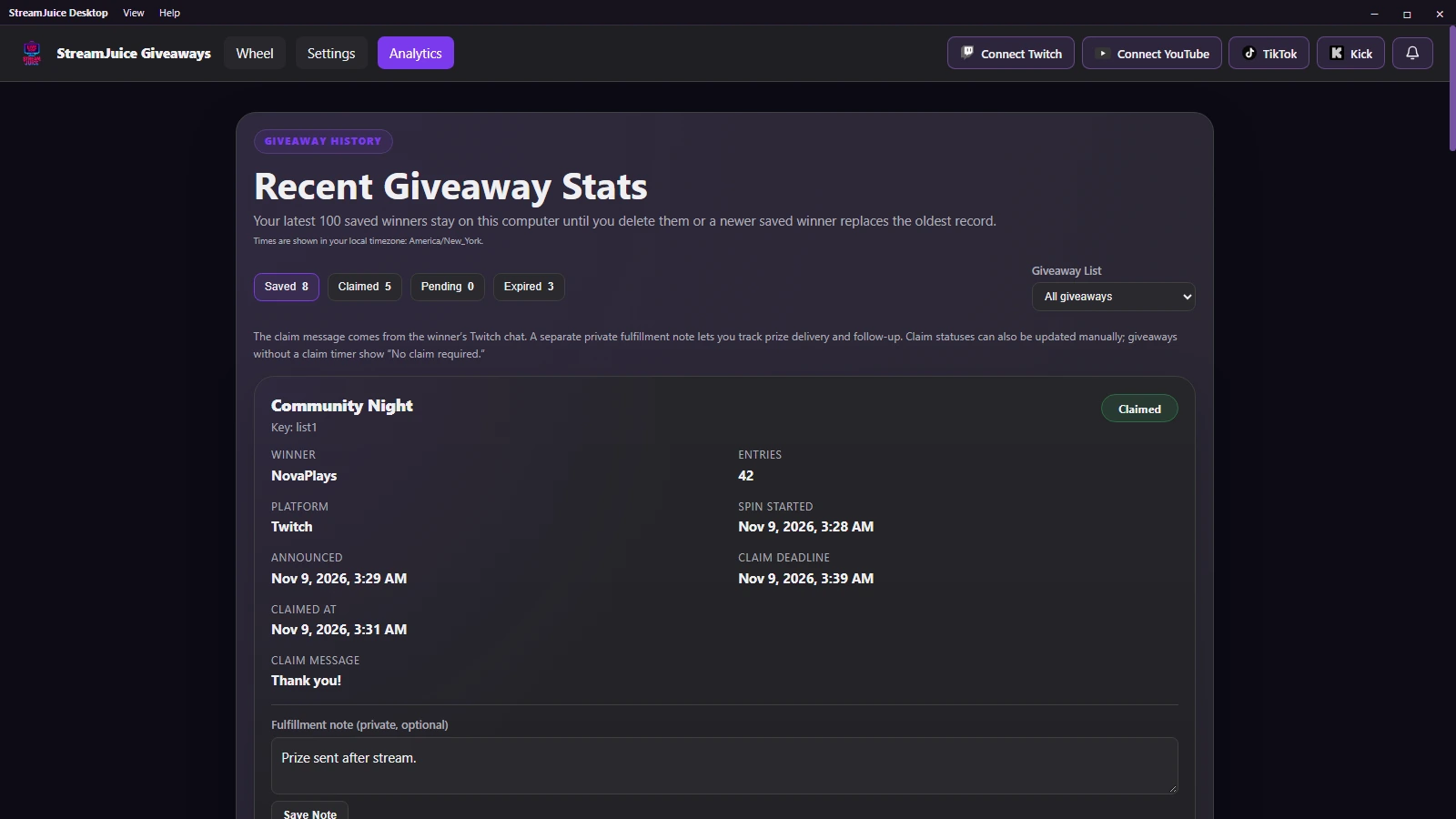
Winner History
Review the winners you chose to save, check claims, and keep private notes on prize delivery.
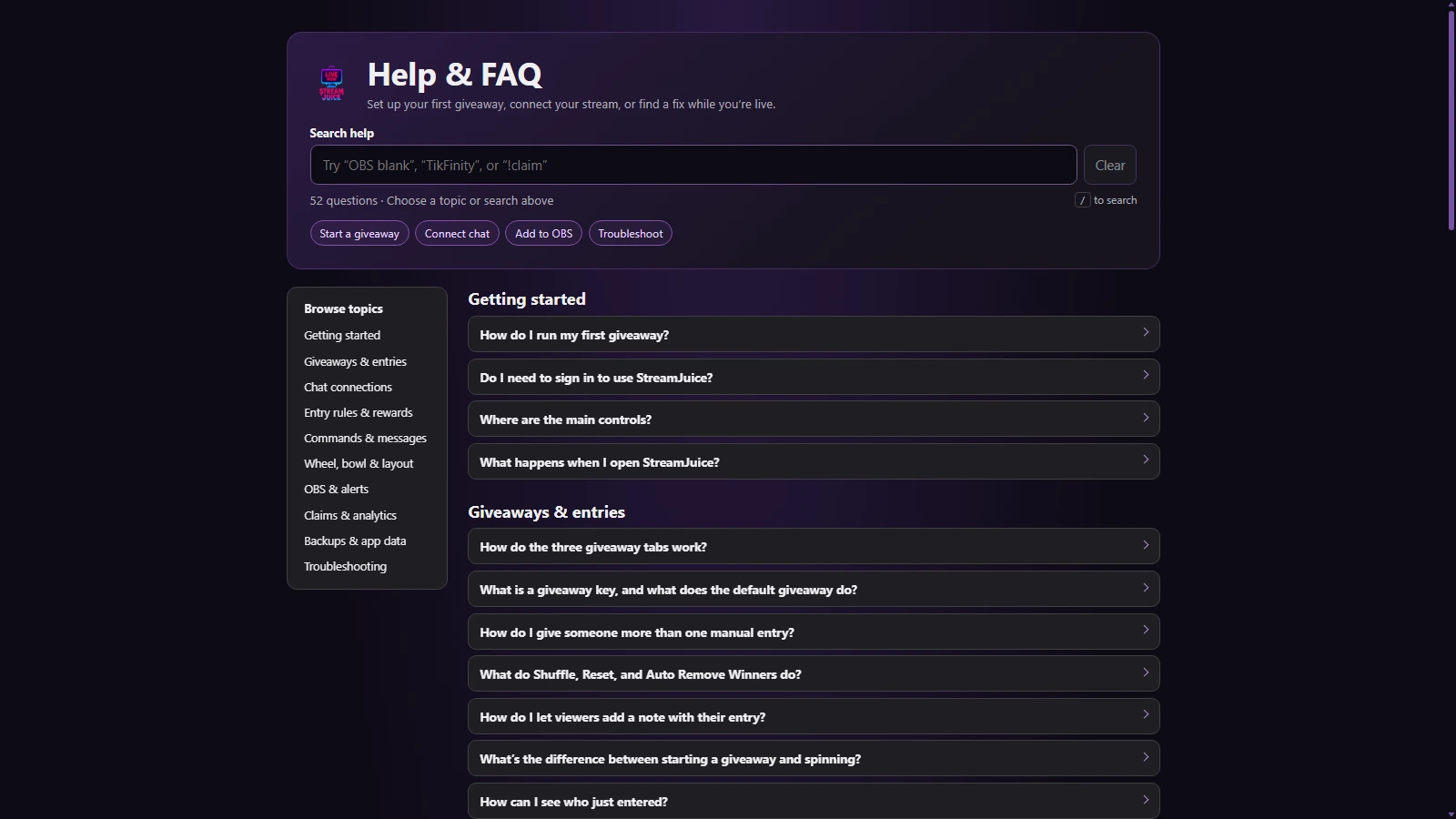
Help & FAQ
Find setup steps and troubleshooting tips for chat connections, OBS overlays, and giveaway rules.
DEVELOPMENT NOTES
Where things stand.
We're building and testing in stages. No release date until the app is ready.
Desktop foundation
Giveaway wheel, raffle bowl, local settings, and OBS overlays.
Twitch & YouTube Live
Both platforms are integrated into the desktop development build.
TikTok via TikFinity
Connect TikTok LIVE giveaways using the TikFinity app.
Kick
Kick giveaway integration is now included.
Windows beta & public release
We’re taking beta applications and refining the app, installer, and setup guides for release.
FROM THE COMMUNITY
Have a say in what comes next.
Have an idea or want to help test the app? We'd love to hear from you.